
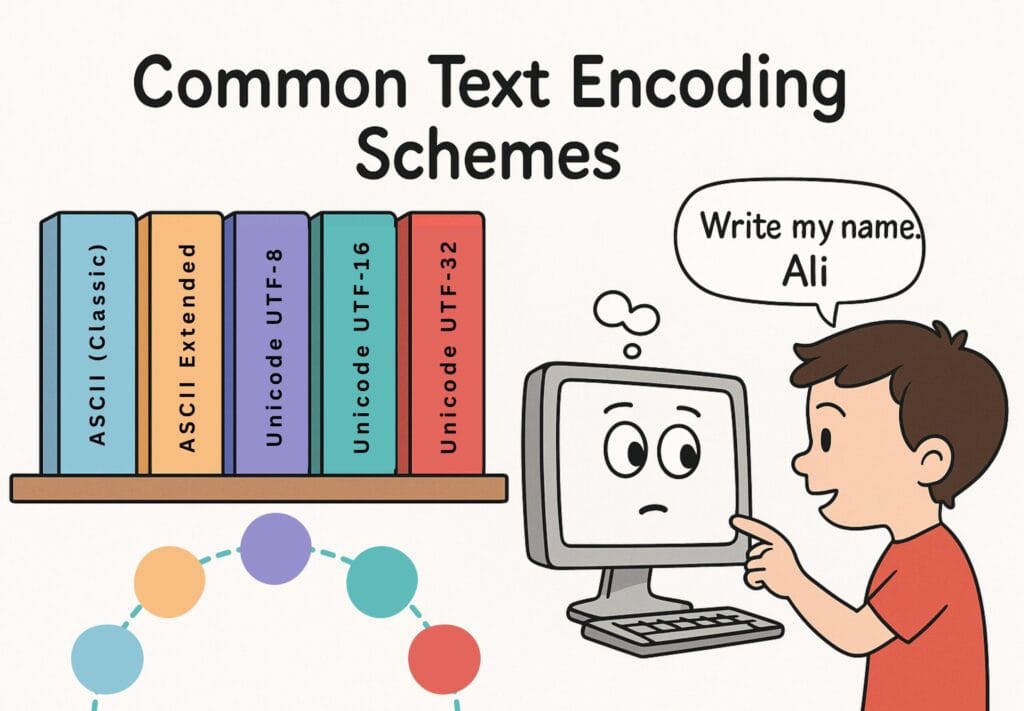
Understanding text encoding and common text encoding schemes helps to explain how computers store, process, and display text across various languages and platforms.
Table of Contents
Introduction
Have you ever wondered how your computer knows what letters you are using? For instance, to you, the words are natural when you type a message to a friend, name a file, or search for something online. But to a computer, everything is just numbers — a world of 0s and 1s.
So, how does it read text? That is where something magical called text encoding comes in.
What is Text Encoding?
Text encoding is like a secret language between humans and machines. It turns each letter, symbol, or emoji you type into a special number — a code that computers can understand and process.
Every “M”, “$”, or “😊” becomes a series of 0s and 1s (like a digital Morse code). This is how your messages travel, get stored, and show up perfectly on your screen.
Types of Text Encoding
Text encoding has evolved and can be classified as follows:
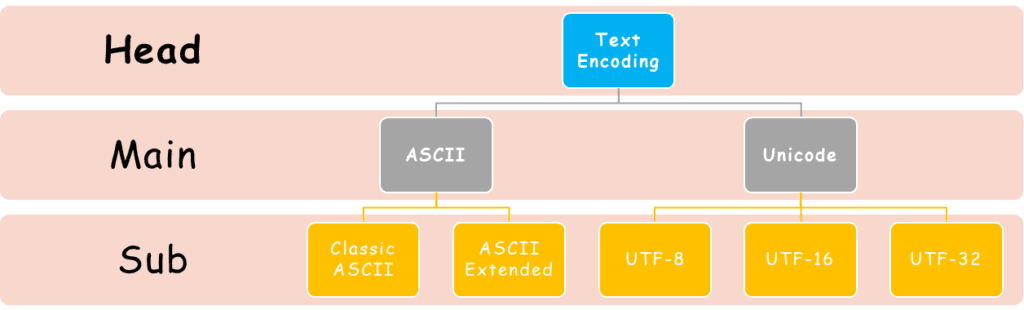
ASCII
ASCII stands for American Standard Code for Information Interchange. It is the grandparent of modern text encoding.
ASCII (The Classic Old-School)
It uses 7 bits (just 0s and 1s) to represent 128 characters. The characters include:
- digits 0–9
- symbols (like @ and #)
- letters A–Z and/or a–z
- control codes (like a line break)
Long before emojis and worldwide languages appeared on screens, there was ASCII.
Example
The word“Peace!” in ASCII is as follows:
| Character | ASCII (Decimal) | ASCII (Hex) | ASCII (Binary) |
| P | 80 | 50 | 01010000 |
| e | 101 | 65 | 01100101 |
| a | 97 | 61 | 01100001 |
| c | 99 | 63 | 01100011 |
| e | 101 | 65 | 01100101 |
| ! | 33 | 21 | 00100001 |
With ASCII, early computers could speak English — at least a basic version of it.
Extended ASCII
As people wanted to write in more languages, the need for more characters arose. This led to the development of Extended ASCII.
Extended ASCII used 8 bits, doubling the capacity to 256 characters. It allowed for additional accented letters (like é, ñ, ü, ç, ø), symbols (like ©, €, ¥, §, ¿, ¡), and various European characters (like ß, æ, Ø, Å, Þ).
Example
The string “Péã©€¡” in Extended ASCII (such as Windows-1252 or ISO 8859-1) is represented as:
| Character | ASCII (Decimal) | ASCII (Hex) | ASCII (Binary) |
| P | 80 | 50 | 01010000 |
| é | 233 | E9 | 11101001 |
| ã | 227 | E3 | 11100011 |
| © | 169 | A9 | 10101001 |
| € | 128 | 80 | 10000000 |
| ¡ | 161 | A1 | 10100001 |
Note:
The euro sign (€) is not present in older ISO 8859-1 but is included in Windows-1252, a popular Extended ASCII variant used by Microsoft.
The world with hundreds of languages is not limited to 256 characters. This is where Unicode (or UTF) comes into play.
Unicode
What if you want to write in Chinese, Arabic, Greek, Cyrillic, Asian scripts, or use emojis? ASCII will not help. That is why we now use Unicode.
Unicode can be defined as:
“a universal codebook that can represent over a million characters from every known writing system on Earth.”
Unicode comes in different flavours — or “encodings” — depending on how you want to store or transmit the data.
Unicode is the ‘Global Translator’.
Classification of Unicode
The most common encodings are:
- UTF-8 (most popular on the web)
- UTF-16 (used in Windows, Java, etc.)
- UTF-32 (fixed-width, less efficient but simple)
UTF–8
UTF–8 stands for Unicode Transformation Format – 8 bit. It is perfect for websites, apps, and global communication. That is why it dominates online.
Main features
- It is smart and flexible.
- It uses 1 to 4 bytes per character.
- It is backward compatible with ASCII, so older systems still work.
UTF–8 is the Most Popular Kid on the Block.
UTF–16
UTF–16 balances space efficiency and character coverage for global scripts. It is not ASCII-compatible, so mixing with legacy systems may require conversion.
Main Features
- It can handle all characters.
- It uses 2 or 4 bytes per character.
- It is common in Windows, Java, and some document formats.
UTF–16 is like a middle ground.
UTF–32
UTF–32 is super simple but memory-hungry. It wastes space, especially for text-heavy files or webpages.
Main features
- Uses exactly 4 bytes per character.
- Easy for computers to process (fixed size).
Encoding Comparison Table — “Sky”
| Characters | S | k | y |
| Decimal (Unicode) | 83 | 107 | 121 |
| Hexadecimal (Unicode) | 53 | 6B | 79 |
| Unicode Code Point | U+0053 | U+006B | U+0079 |
| Unicode | Bytes per Char | Total Bytes | Byte Value (Hex) |
| UTF–8 | 1 byte | 3 bytes | 53 6B 79 |
| UTF–16 | 2 bytes | 6 bytes | 00 53 00 6B 00 79 |
| UTF–32 | 4 bytes | 12 bytes | 00 00 00 53 00 00 00 6B 00 00 00 79 |
Encoding Comparison Table — “فلك” (Falak)
| Characters | ف | ل | ك |
| Decimal (Unicode) | 1601 | 1604 | 1603 |
| Byte Code (Hex) | 0641 | 0644 | 0643 |
| Unicode Code Point | U+0641 | U+0644 | U+0643 |
| Unicode | Bytes per Char | Total Bytes | Byte Value (Hex) |
| UTF–8 | 2 bytes | 6 bytes | D9 81 D9 84 D9 83 |
| UTF–16 | 2 bytes | 6 bytes | 06 41 06 44 06 43 |
| UTF–32 | 4 bytes | 12 bytes | 00 00 06 41 00 00 06 44 00 00 06 43 |
The differences in hex representations come from:
- The encoding format of UTF-8/16/32
- The number of bytes used per character
- The byte order (big-endian vs little-endian), especially in UTF-16 and UTF-32
Encode Your Name
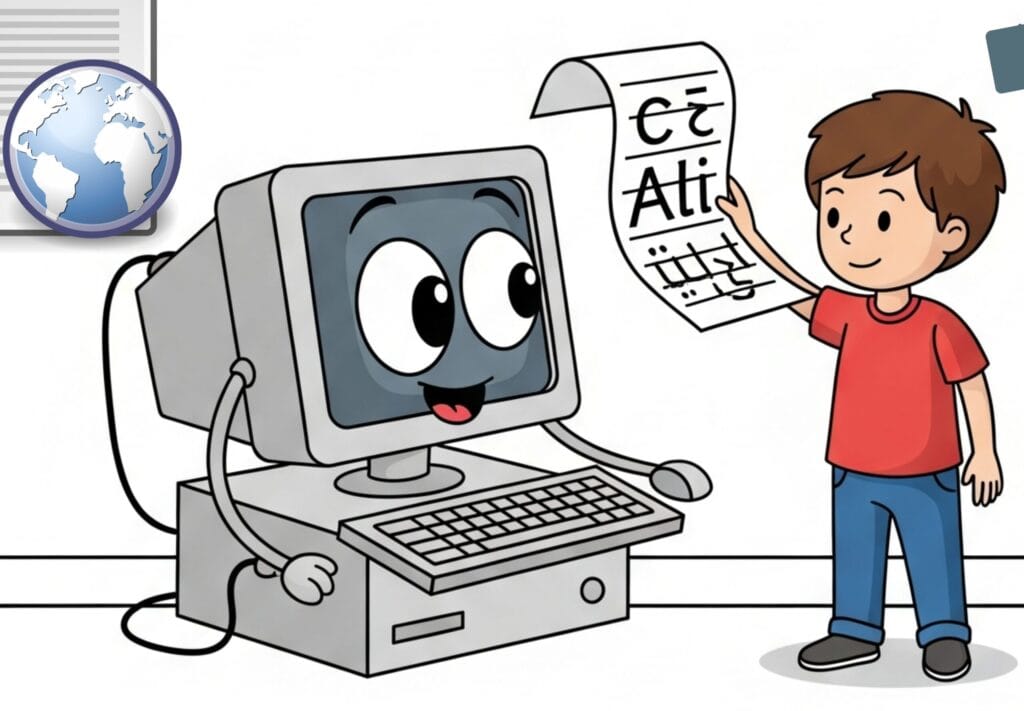
Want to see your name the way a computer does? We shall use ASCII and Unicode encoding to see how your name is stored and understood by machines.
Example
Name: Ali
ASCII Code (for English Letters)
1. Open MS Word.
2. Type your name: Ali
3. Now use the ASCII method:
- Place your cursor after the A
- Press Alt + 65 → it types A (ASCII 65)
4. You can check the remaining letters with code using this chart:
| Letter | ASCII (Decimal) | ASCII (Hex) | Binary |
| A | 65 | 41 | 01000001 |
| l | 108 | 6C | 01101100 |
| i | 105 | 69 | 01101001 |
Unicode Code Point (for All Languages)
Unicode lets us go beyond English. It is useful for different languages, emojis, math symbols, and more.
1. Open MS Word.
2. Type your name: Ali or علی
3. Select the letter.
4. Press Alt + X
5. Word will convert the character to its Unicode Hex Code:
| Character | Language | Unicode Code Point (Hex) | Unicode (Decimal) | Description |
| A | English | U+0041 | 65 | Latin Capital Letter A |
| l | English | U+006C | 108 | Latin Small Letter L |
| i | English | U+0069 | 105 | Latin Small Letter I |
| ع | Arabic | U+0639 | 1593 | Arabic Letter Ain |
| ل | Arabic | U+0644 | 1604 | Arabic Letter Lam |
| ی | Arabic | U+06CC | 1740 | Arabic Letter Farsi Yeh |
Note:
- To check for ASCII, use ‘Decimal Code’.
- To check for Unicode, use ‘Hex Code’.
Try It Yourself!
You can type your name in any language — English, Arabic, Chinese, Japanese, etc. Then use the same steps to see how your name is stored as code by a computer.
Conclusion
Behind every message you send or document you write, there is a hidden system at work. This system turns your words into machine-readable code.
From the simple beginnings of ASCII to the powerful and flexible Unicode, text encoding is what allows computers to store, process, and share human language.
It ensures:
- Text displays correctly across devices
- Support for multiple languages
- Global communication
Frequently Asked Questions (FAQs)
What is encoding?
Encoding is the process of converting characters (like letters, numbers, and symbols) into a format that computers can understand and store, usually as binary code (0s and 1s).
Name common text encoding schemes.
- ASCII (American Standard Code for Information Interchange)
- Extended ASCII (Windows-1252, ISO 8859-1, etc.)
- Unicode (with encodings like UTF-8, UTF-16, UTF-32)
What do you know about the evolution from ASCII to Unicode?
- ASCII was designed for English and includes only 128 characters (7-bit).
- Extended ASCII was introduced (8-bit, 256 characters) as global computing grew. But that still was not enough for all languages.
- Unicode was developed to include every writing system, emoji, and symbol. It supports over 140,000 characters.
What is the primary purpose of the ASCII encoding scheme?
To represent the Basic English characters and control codes (like Enter, Tab, etc.) in binary format so computers can process and display text.
Explain the difference between ASCII and Unicode.
| Feature | ASCII | Unicode |
| Bit Size | 7 bits (Standard) | 8–32 bits (UTF-8, UTF-16, etc.) |
| Characters | 128 (English only) | 1.1+ million (all languages) |
| Language Support | English only | Global (Arabic, Chinese, emojis, etc.) |
| Compatibility | Legacy systems | Modern systems and the web |
How does Unicode handle characters from different languages?
It assigns a unique code point (like an ID number) to each character, no matter the language or script.
Example
- A (English) → U+0041
- ف (Arabic) → U+0641
- 字 (Chinese) → U+5B57
- 😀 (Emoji) → U+1F600
These code points are stored using UTF encodings.
Explain how characters are encoded using Unicode. Provide examples.
Each character is mapped to a Unicode code point, then stored using an encoding (like UTF-8).
Examples
| Character | Language | Unicode Code Point | UTF-8 (Hex Bytes) |
| A | English | U+0041 | 41 |
| ف | Arabic | U+0641 | D9 81 |
| 字 | Chinese | U+5B57 | E5 AD 97 |
| 😀 | Emoji | U+1F600 | F0 9F 98 80 |
What does ASCII stand for?
American Standard Code for Information Interchange
How many bits are used in the standard ASCII encoding?
7 bits!
7 bits represent 128 characters.
Which of is a key advantage of Unicode over ASCII?
It can represent characters from many different languages.